Current focus
D1 most mature
R2 and KV are available, while D1 remains the deepest and most polished workflow in the preview.
Binnacle gives Cloudflare D1, R2, and KV a single desktop home: local credentials, native navigation, and a workspace that feels built for repeated data work instead of occasional dashboard clicks.
Current focus
D1 most mature
R2 and KV are available, while D1 remains the deepest and most polished workflow in the preview.
Trust model
Local-first
API tokens stay in the OS keychain. Requests go from your machine to Cloudflare.
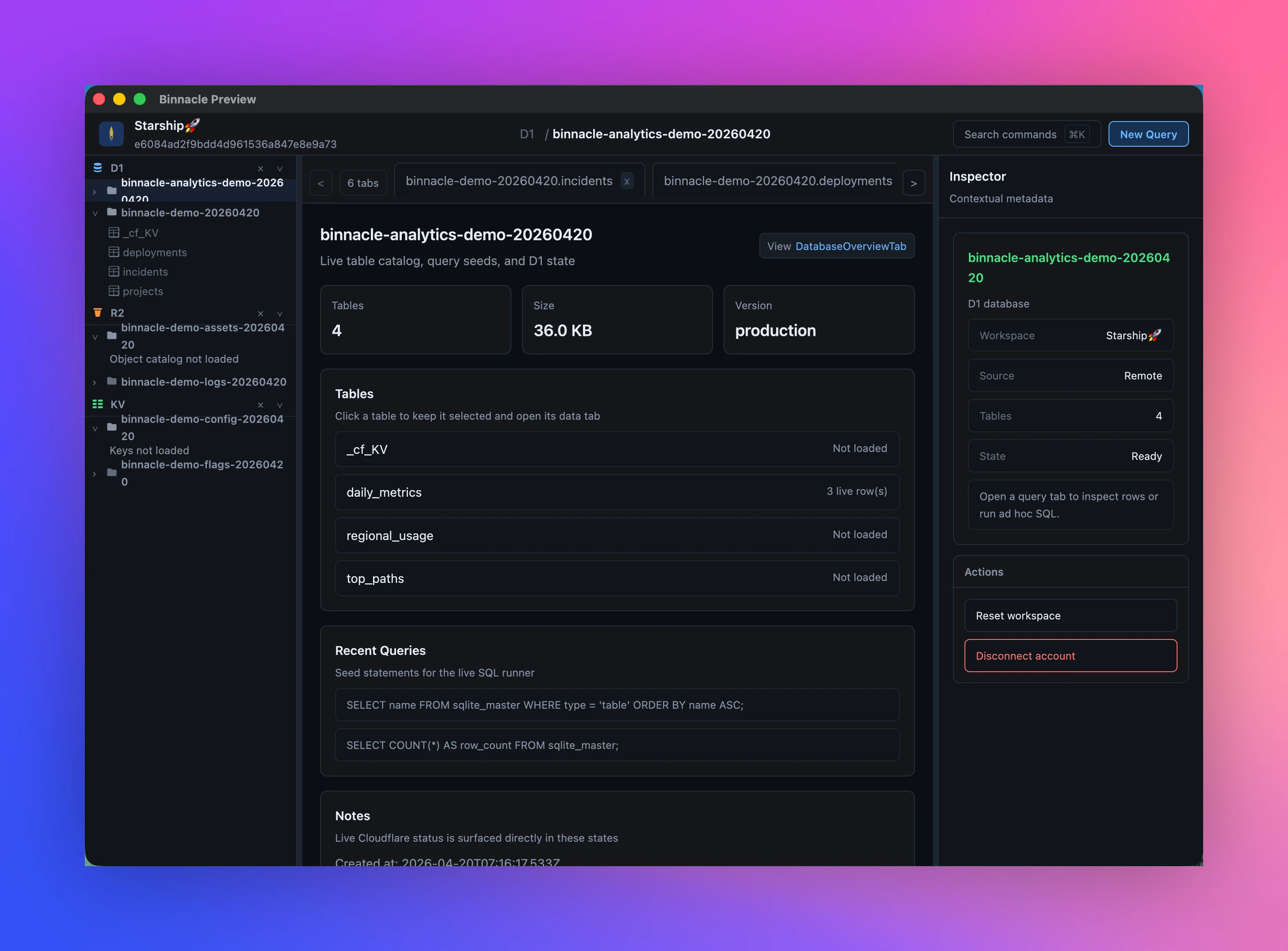
Workspace
Overview
Binnacle brings Cloudflare data into one native workspace, with local credentials and a workflow built for repeated daily use.
What it is
Binnacle starts with the workflows developers repeat most often: connecting accounts, browsing data, running queries, and inspecting results.
Why it feels different
Credentials stay on your machine, requests go directly to Cloudflare, and the product stays centered on data work instead of trying to become a full dashboard.
Workflow
Start with your own Cloudflare credentials, open the workspace, and stay close to your D1 data as you browse, query, and inspect results.
Use your own Cloudflare API token. The app validates it and stores it in the system credential store.
The shell is tuned for left-hand navigation, center content, and right-side inspection instead of modal-heavy flow.
Browse schemas, run queries, and inspect results without bouncing back into a browser dashboard.
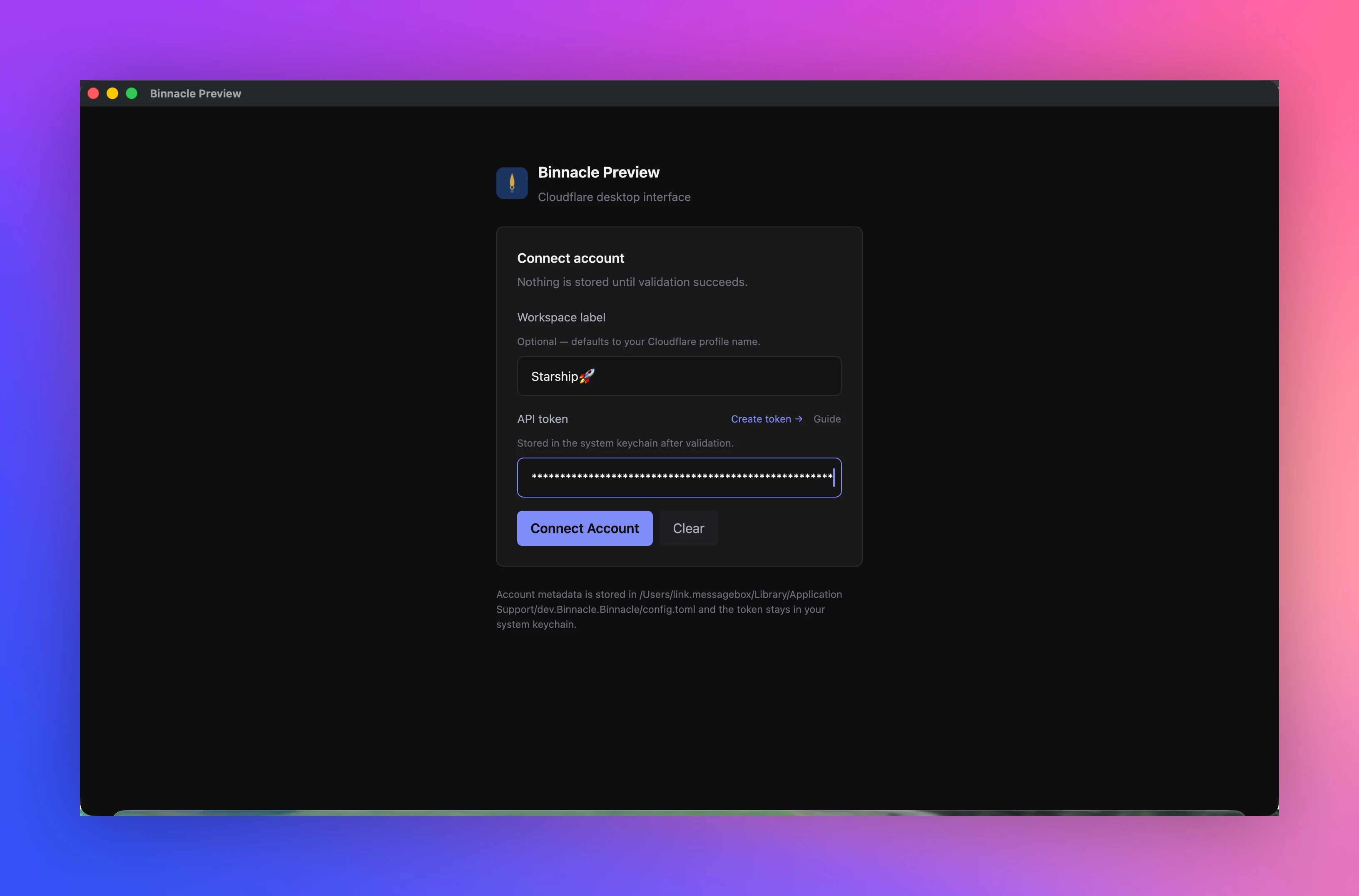
Step 1 · Connect
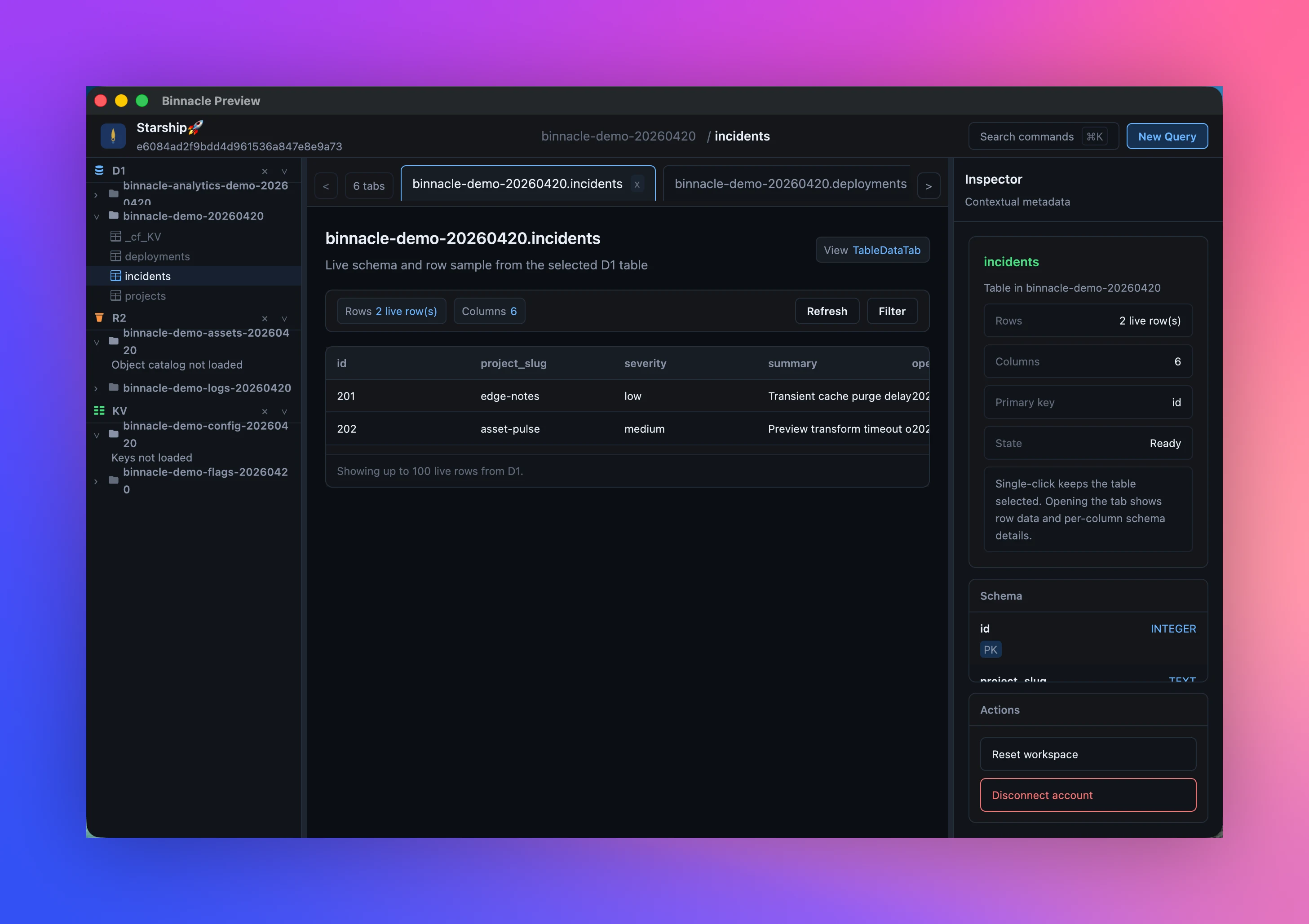
Step 2 · Explore D1
Documentation
The docs cover the practical path from downloading or building Binnacle to creating a scoped Cloudflare API token and using the workspace on real D1, R2, and KV work.
Install
Download the release zip for normal use, or clone the public repository and build with Cargo when you want to inspect or contribute to the app.
Permissions
Start with token verification, add optional profile access for a local label, then add D1, R2, or KV permissions only when those workflows are needed.
Usage
Pick a resource from the sidebar, open D1 queries or R2/KV views, and keep local history and workspace state on the machine.
Scenarios
Query application data, inspect bucket objects, edit text keys, or keep multiple Cloudflare accounts close without browser context switching.
Scope
The product starts with a narrower surface area on purpose, so the core workflows can feel complete before the scope expands.
Download
Binnacle is currently macOS-first. The best feedback comes from real usage: what feels faster, what still gets in the way, and what you would want next.
FAQ
Binnacle is built for developers and teams who work with Cloudflare data regularly and want a faster desktop workflow for D1, R2, and KV, with D1 as the most mature preview lane.
The Cloudflare Dashboard covers the whole platform. Binnacle focuses on data workflows, with a native workspace built for connecting, browsing, querying, and inspecting resources without bouncing between browser views.
Yes. Binnacle is local-first: credentials stay on your machine, and requests go directly from your desktop to Cloudflare without an extra Binnacle backend in the middle.
Yes, in preview. Binnacle is MIT-licensed and the full source is on GitHub. The core desktop workbench is free, and if paid plans arrive later they would cover extra team capabilities rather than the core local workflow.
The documentation page covers installation, source builds, Cloudflare API token scopes, first-run setup, daily workflows, and common troubleshooting paths.